Industrial Floor Sweeper Dust Control: Fixing Clogged Filters
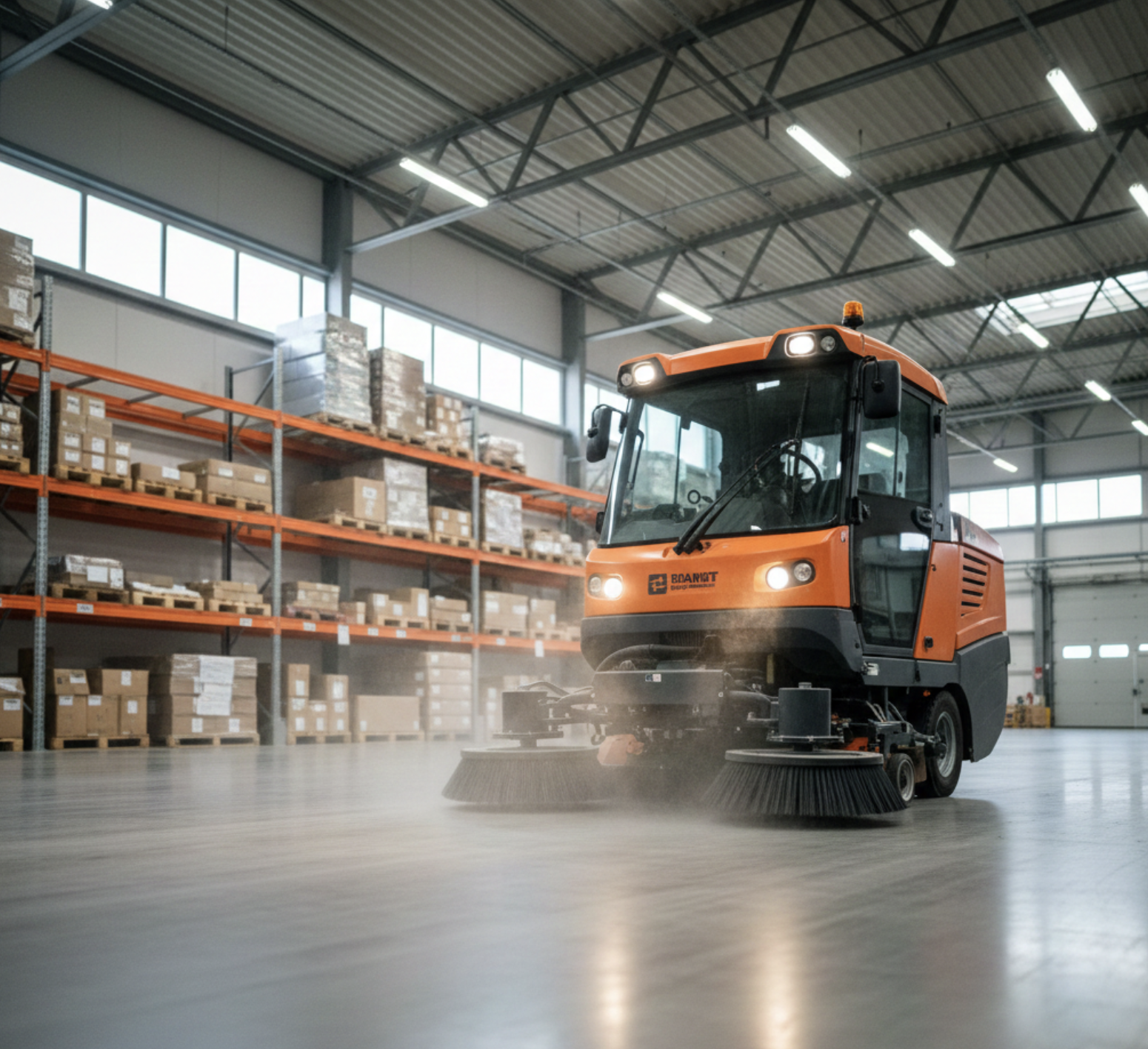
Industrial floor sweepers are crucial in managing dust and debris within warehouses, manufacturing plants, and other facilities with expansive concrete floors. These essential pieces of cleaning equipment deliver efficient operation and maintain healthy environments by collecting fine dust particles that could otherwise compromise indoor air quality. However, the effectiveness of your floor sweeper largely depends on its dust control and filtration systems. Clogged filters remain a persistent hurdle in achieving optimal performance, limiting your cleaning results and potentially increasing repair costs.
This guide is tailored for janitorial staff, facility maintenance teams, and operators who rely on industrial sweepers for day-to-day cleaning tasks. If you’re struggling with poor dust collection, suspect your vacuum hose is compromised by dust build-up, or simply want preventive maintenance tips to extend the life of your equipment, you’re in the right place.
How Industrial Floor Sweepers Work
Understanding how your sweeper functions will help you diagnose and prevent clogged filters. At the heart of every industrial sweeper is an integrated system that relies on sweeping mechanisms, suction airflow, and advanced dust filtration.
- Sweeping mechanism: Rotating brush decks and side brooms lift dirt, debris, and dust from the floor and direct it toward the machine’s main vacuum.
- Vacuum and suction airflow: A powerful vacuum motor draws airborne dust and particles into the recovery tanks through a vacuum hose, ensuring particles stay contained during cleaning.
- Filter types: The collected air passes through various filter types—cartridge, panel, or even HEPA filters—each designed to capture different particle sizes. Some sweepers also use washable filters or eco-friendly cleaning solutions for enhanced dust control.
Signs That Your Sweeper Filter Is Clogged
- Reduced dust pickup efficiency: Less debris is getting collected, and visible dirt remains after a cleaning pass.
- Increased dust escaping into the air: Thin clouds of dust trail the machine, especially on fine dust or when cleaning chemicals are used improperly.
- Machine overheating or reduced suction power: The vacuum motor strains, and the machine may run hotter than usual.
- Unusual noises or motor strain: Odd sounds from the brush deck or changes in pad pressure indicate the vacuum hose or airflow is compromised.
Causes of Clogged Filters
- Heavy dust and debris load: Routine sweeping of concrete floors with excessive debris increases the risk of rapid clogging.
- Infrequent filter cleaning or replacement: Neglecting preventive maintenance, including regular filter inspections, fast-tracks clogging.
- Using the wrong filter type: HEPA filters may be needed for fine dust, while standard filters suffice for larger debris. Mismatched filters struggle to handle specific materials.
- Humidity and moisture binding dust particles: Wet recovery tanks or using the solution tank excessively can cause dust to adhere to and saturate filters.
- Poor maintenance practices: Forgetting to inspect squeegee blades, vacuum hoses, or skipping battery maintenance may lead to broader system troubles.
Step-by-Step Guide to Fixing Clogged Filters
1. Power Down and Safety First
Before any maintenance, ensure your floor sweeper is completely turned off. For battery-powered units, disconnect the battery; for corded machines, remove the power cord. Your safety is essential when dealing with electrical components and internal cleaning equipment.
2. Access the Filter Compartment
Locate the filter housing—commonly found near the vacuum motor or recovery tanks. Refer to your specific sweeper’s manual for exact location and any integrated safety features that require disengagement before opening.
3. Remove & Inspect Filters
Carefully extract the filter. Inspect for packed-on dust, physical tears, or if the filter appears saturated, especially if you’ve been using cleaning chemicals or working in humid environments.
4. Cleaning the Filters
- Shake-out/knock-off dust: Gently tap the filter to dislodge loose dirt. Do this outside to avoid creating indoor dust clouds.
- Vacuum the filter surface: Use a shop vacuum with a soft brush attachment to remove embedded particulate. Never use excessive force on delicate filter materials.
- Wash washable filters (if applicable) and dry thoroughly: For washable models, rinse with an appropriate cleaning solution, then air-dry completely before reinstalling. Moist filters can breed mold and further restrict airflow.
5. When to Replace Filters
If a filter shows rips, stubborn buildup after cleaning, or saturation that can’t be reversed by washing, replacement is necessary. Over time, all filters degrade—consult manufacturer guidelines but generally plan for replacement every 50–100 hours of use based on dust load and cleaning frequency.
6. Reassemble & Test
Once the filter is clean or replaced, carefully reinstall it to avoid damaging seals or misaligning the cartridge. Secure the filter compartment, reconnect your battery or power supply, and run a quick cycle. Monitor the machine for improved suction and dust pickup during deep cleaning and check that no unusual noises persist, which could indicate further blockages or issues.
Best Practices for Dust Control and Filter Maintenance
- Regular filter inspections and cleaning schedule: Set reminders based on your average usage, and check every few shifts.
- Use correct filter types for your environment: HEPA filters for fine dust; panel or cartridge for general use.
- Avoid excessive moisture during operation: Only fill the solution tank as necessary and avoid over-wetting surfaces.
- Empty dust bin/container frequently: Letting debris accumulate stresses the system and accelerates clogging.
- Record maintenance history: Track filter changes, brush deck wear, squeegee blades, and battery maintenance to anticipate problems rather than react to breakdowns.
Common Related Problems and Solutions
Poor Dust Pickup or Airflow
Inefficient dust pickup is often caused by more than just clogged filters. Inspect the entire vacuum hose, brush deck, and suction paths for obstructions. Debris wedged in these areas can dramatically affect cleaning performance and imitate filter-related issues.
Reduced Runtime or Motor Stress
Clogged filters impede airflow, forcing the vacuum motor to work harder. This leads to overheating, diminished battery runtime, and increased wear on internal components. Regular filter attention directly reduces these common floor scrubber problems, lengthens service intervals, and lowers the risk of costly breakdowns.
Tools and Supplies You’ll Need
- Replacement filters for your sweeper model
- Soft brush or compressed air for gentle dust removal
- Shop vacuum for deep debris extraction
- Cleaning solution for washable filters to avoid residual buildup
When to Call a Professional
Some filter issues run deeper than periodic cleaning or replacement. If you encounter persistent blockages, visible electrical damage, vacuum motor failure, or unusual sounds after maintenance, it’s time to contact a professional technician. DIY fixes rarely solve electrical malfunctions, and improper handling can worsen repair costs.
Cleaning Success Starts Here: Essential Dust Control and Maintenance Insights
Keeping your industrial sweeper’s filtration system in prime condition delivers consistent cleaning results, protects your investment, and supports a healthy workspace. Prioritize filter inspections, clean or replace filters as needed, and remain diligent with preventive maintenance. With these steps and best practices—supported by regular documentation—you’ll enhance dust control, reduce downtime, and confidently tackle the rigorous needs of the modern cleaning industry. Your commitment to proper maintenance and efficient operation ensures your cleaning equipment remains a powerful ally against dust and debris on any surface.